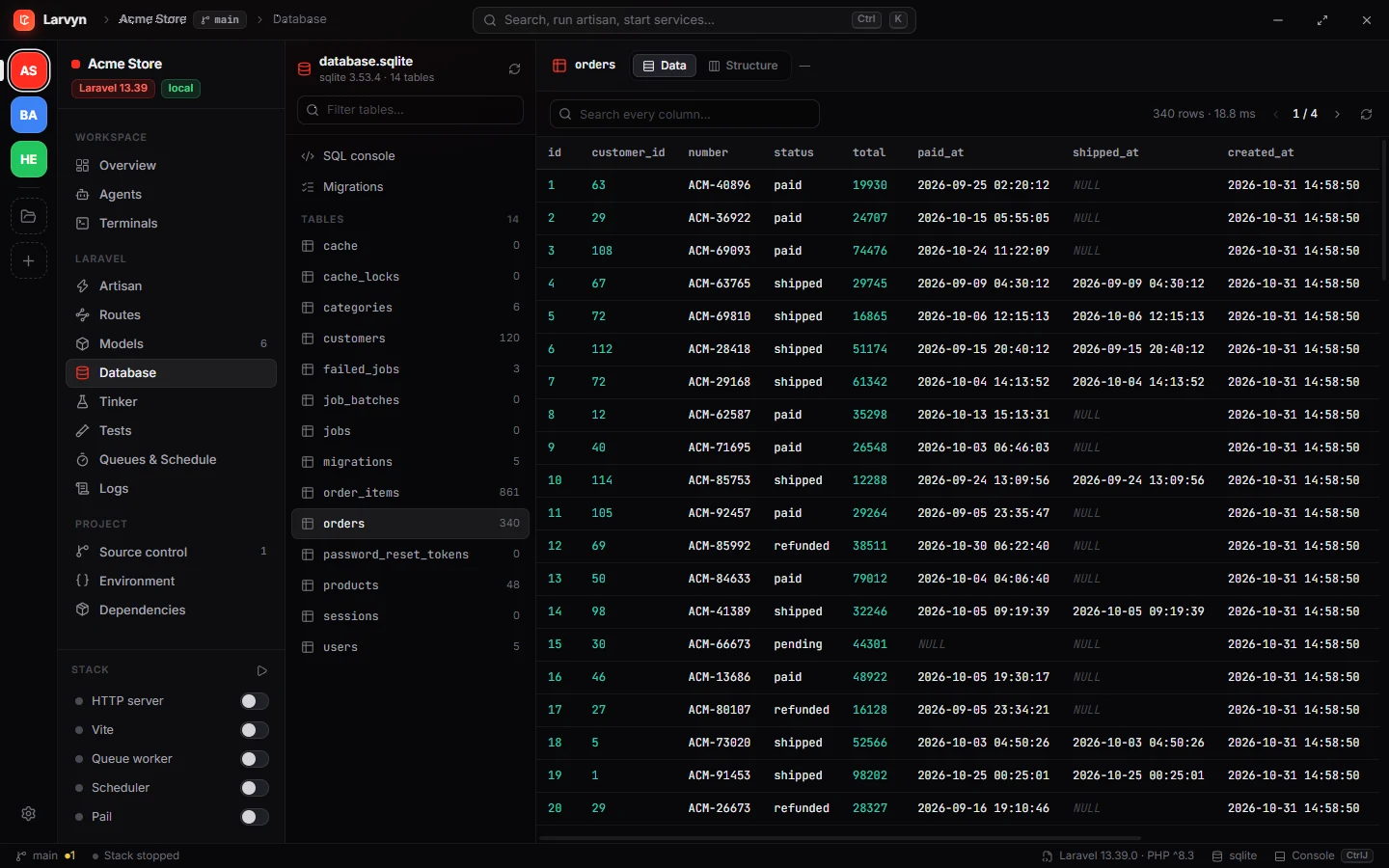
TablePlus is a full database client for many engines and any server. Larvyn is a Laravel workbench with a database browser that already knows your app. Here is where each one fits.
A desktop workbench for Laravel, with a database browser inside
A dedicated database client
Connecting
Through your Laravel app’s own connection, read from .env
Any connection you enter, local or remote
Databases
MySQL, PostgreSQL, SQLite, SQL Server
PostgreSQL, MySQL, SQL Server, SQLite, Redis, MongoDB, Oracle, ClickHouse and more
Rows and SQL
Browse, search and edit rows, structure, foreign keys, SQL console
Data editing, SQL queries and advanced filters
Laravel aware
Migrations status, model inspector, Tinker, logs and tests in the same app
No
Price
Free, no account
One-time license, from $99 per device; free trial with limits on tabs, windows and filters
Platforms
Windows, macOS, Linux
macOS, Windows, Linux and iOS
TablePlus details from tableplus.com, checked in November 2026. TablePlus is a product of its own makers; we’re not affiliated.
Choose TablePlus if
You connect to remote or production databases directly.
You use Redis, MongoDB, Oracle or other engines.
Database work is a big part of your day on its own.
Choose Larvyn if
You mostly look at your local Laravel app’s data while building.
You want rows, migrations, models and Tinker in one place, with no connection setup.
You want a free tool, with terminals and AI agents in the same window.
Questions
Can I use both?
Yes. Larvyn reads your app’s database without any setup, and TablePlus stays useful for remote and non-SQL databases.
Can Larvyn connect to a production database?
Larvyn uses the connection in your local project’s .env. For connecting to other servers directly, a general client such as TablePlus is the right tool.