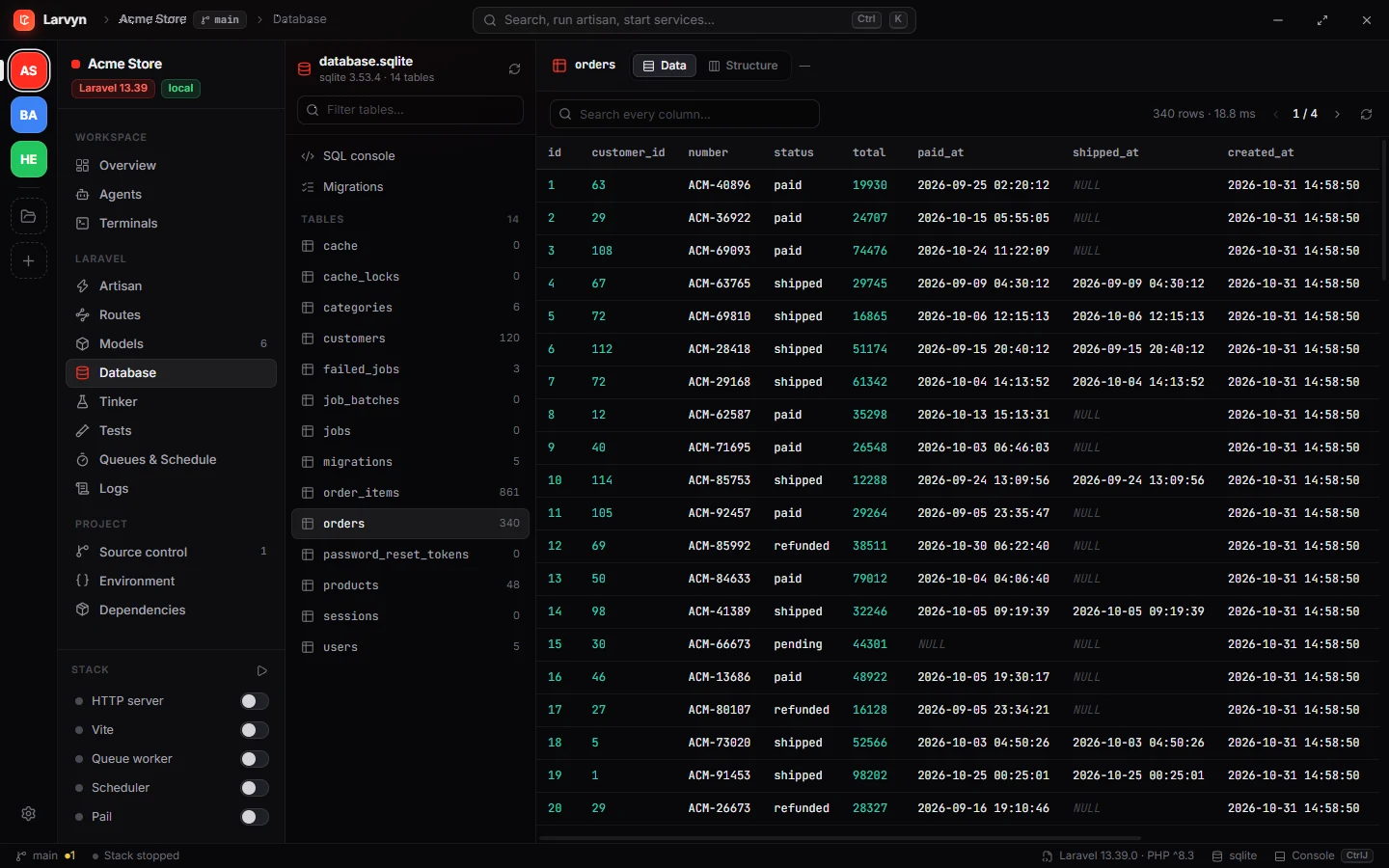
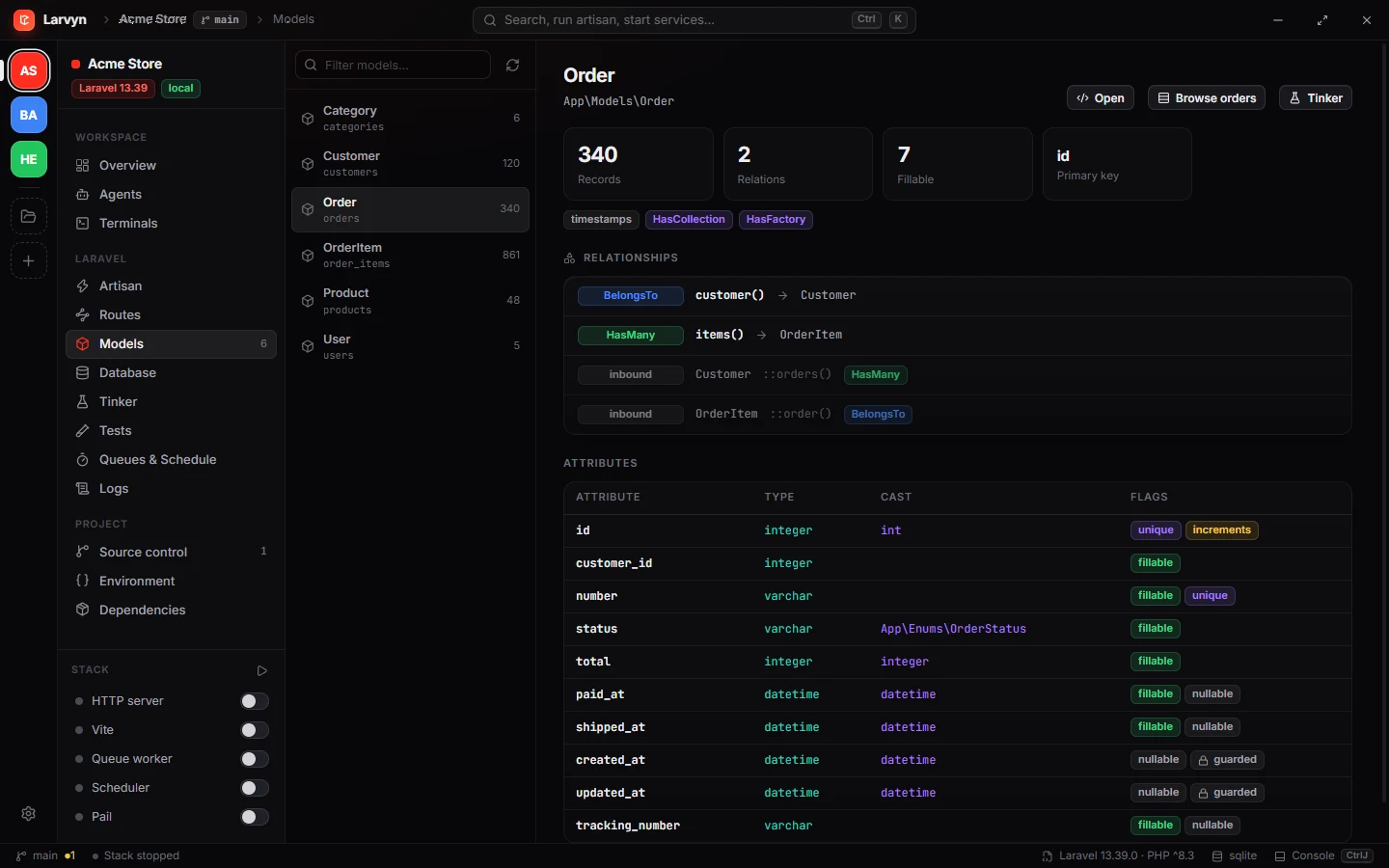
No connection strings to copy. Larvyn reads your tables through Laravel’s own connection, so it works with whatever your .env points at: MySQL, PostgreSQL, SQLite or SQL Server.
Browse, search and edit rowsPaginated, with inline updates and deletes.
StructureColumns, indexes and foreign keys for every table.
SQL consoleRun queries and read the results in a grid.
MigrationsSee what ran and what is pending.
Questions
Which databases does it support?
MySQL, PostgreSQL, SQLite and SQL Server: the ones Laravel connects to. Larvyn goes through your app’s own connection, so it uses whatever your .env points at.
Do I need to enter credentials?
No. There are no connection strings to copy. Larvyn reads them from your Laravel app.
Is the SQL console safe?
Larvyn asks before it runs a statement that writes, including writes inside WITH … or after another statement.
Can I use it for a database that isn’t behind a Laravel app?
No. For that, a general database client such as TablePlus is the better tool. See Larvyn vs TablePlus.